How to move your recipes out of Recipe Keeper or Paprika (your AI assistant can do it)
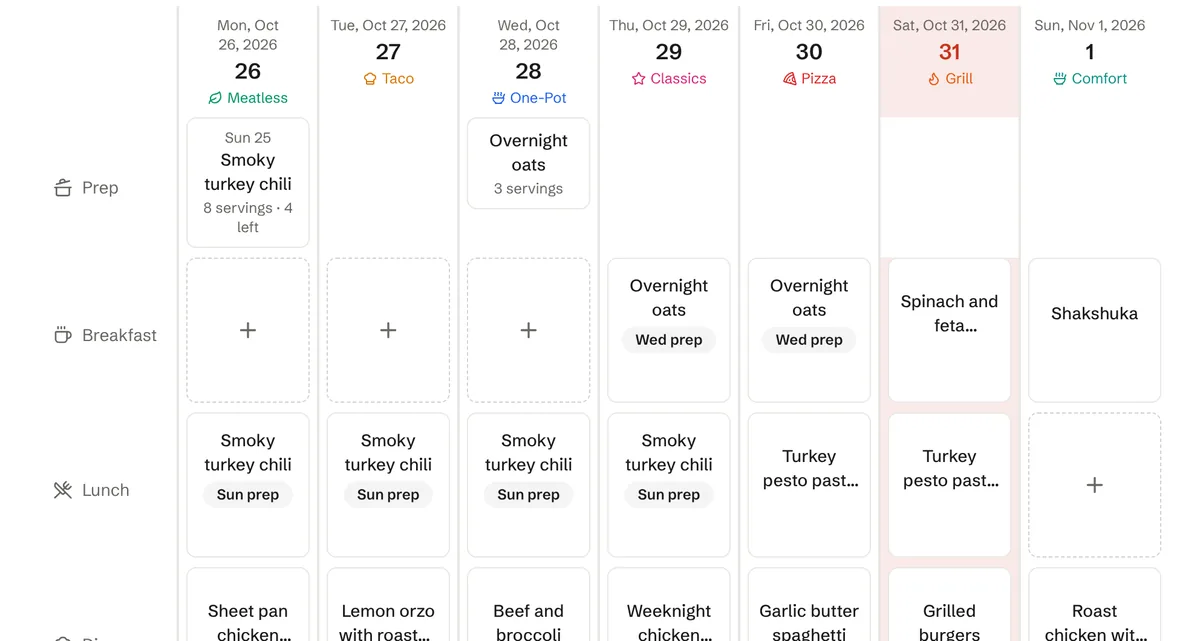
A recipe collection takes years to build, and it's the main thing that keeps people in an app they've outgrown. Moving it shouldn't mean retyping 200 recipes. This post covers three ways to bring a collection into The Meal Plan Vault, from the one that needs no AI at all to the one where your assistant does the whole thing while you make dinner.
One disclosure first: we make The Meal Plan Vault, so this is a guide to our own importer.
Pick the route that fits what you have
- Your old app can export a file. Upload it. This is the fastest route for Paprika and Recipe Keeper.
- You have links to the recipes. Upload them as a list, one link per line.
- You already use Claude, ChatGPT or Muse. Give it the links and ask it to move them. It also handles the tidying a file import can't, like tagging or fixing titles as it goes.
1. Upload your old app's export
Every app below lets you export your recipes to a file. Use your app's export option, then in The Meal Plan Vault go to Recipes, then Import, and upload the file.
| Coming from | File to upload |
|---|---|
| Paprika | .paprikarecipes |
| Recipe Keeper | .zip (it contains a recipes.html) |
| Mealie, Tandoor or Crouton | .json export |
| Anything else | A .csv or .txt file of recipe links, one per line |
The importer works out which app the file came from, shows you what it found, and lets you choose which recipes to bring over. File import is part of Premium, and the 7-day trial is Premium, so you can move a whole collection before deciding whether to pay.
If you're still deciding between apps, we compare them honestly in Paprika vs The Meal Plan Vault and Recipe Keeper vs The Meal Plan Vault.
2. Upload a list of links
Some apps don't export a file, and some collections live in browser bookmarks or a notes app. If you can get the recipe links into a list, save them as a .txt or .csv file with one link per line and upload it the same way. Each link is read from the recipe site itself, so you get the current ingredients and steps rather than a copy of an old screenshot.
3. Ask your AI assistant to move them
The Meal Plan Vault has a built-in MCP server, so an assistant you connect can read and write your recipes, meal plan and grocery lists directly. Moving a collection is one of the things it's best at, because it doesn't get bored on recipe number 140.
Connect your assistant first. Each guide takes a few minutes:
- The Meal Plan Vault for Claude, including the Claude apps for iPhone and Android
- The Meal Plan Vault for ChatGPT
- The Meal Plan Vault for Meta Muse, which connects through the REST API with a token
Then paste your links into the chat and ask for what you want. For example:
Here are the recipes from my old app. Import them all into the vault, tag anything with "soup" or "stew" in the title as soup, and tell me which links didn't work.
The assistant calls import_recipe_from_url once for each link. You can watch every call on the Agents page in your dashboard, where each one is listed with the time, the tool, and whether it worked. If a site blocks the import, the assistant can tell you which ones, and you can paste those recipes in by hand or try a different link.
Once the recipes are in, keep going in the same chat:
Plan next week's dinners from what I just imported, and keep Tuesday meatless.
Turn next week's plan into a grocery list sorted by aisle.
What the free plan covers
The free plan holds 50 recipes, and an assistant can make 30 changes a month on it, where importing one recipe is one change. That's enough to bring over your favourites and try the whole thing. For a bigger collection, do the move during the 7-day trial or on Premium, which has no recipe limit and no cap on assistant changes. If you don't upgrade after the trial, your account goes back to the free plan and you keep every recipe you imported.
After the move
A recipe collection is more useful once it's on a calendar. Everyone in your household shares the same vault, meal plan and grocery list, and your assistant sees the same plan you do, so you can ask it to fill the week from what you just brought over. You can see everything it can do on the For agents page.
Common questions
Can I import a Paprika export into The Meal Plan Vault?
Yes. Upload the .paprikarecipes file on Recipes, then Import. The Meal Plan Vault also reads Recipe Keeper .zip exports and JSON exports from Mealie, Tandoor and Crouton. File import is part of Premium, which includes the 7-day trial.
Can Claude or ChatGPT move my recipes for me?
Yes. Connect your assistant to The Meal Plan Vault, give it your recipe links, and ask it to import them. It calls the import_recipe_from_url tool once per link, and each recipe arrives with ingredients, steps and timings. Muse from Meta connects through the REST API with a token instead of MCP.
How many recipes can I bring over for free?
The free plan holds 50 recipes, and an assistant can make 30 changes a month on it. Premium has no recipe limit and no cap on assistant changes, and new accounts get 7 days of Premium with no credit card.
Enjoyed this post?
Get weekly meal planning tips delivered to your inbox.
Comments
Related Posts
View All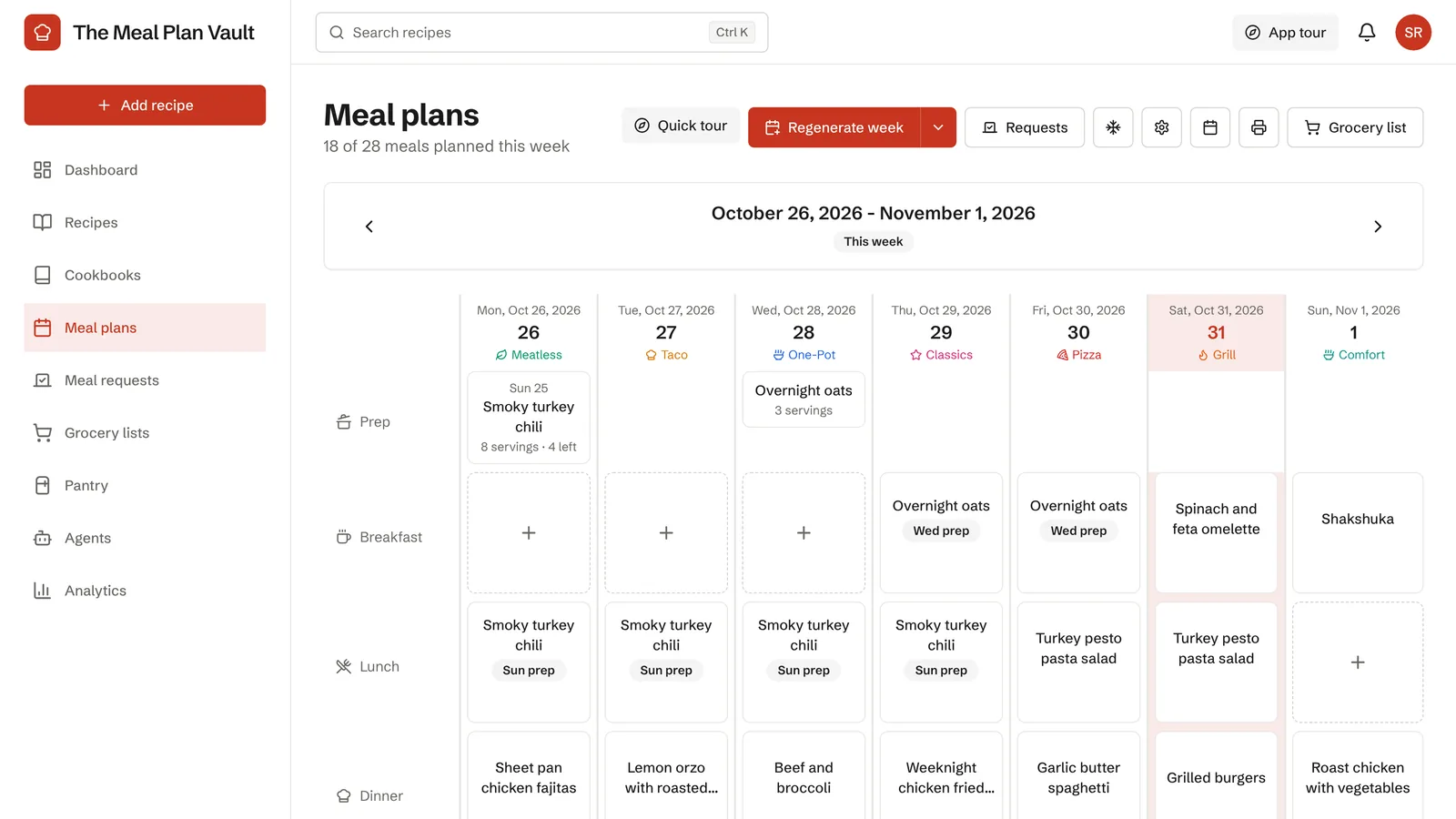
The Ultimate Guide to Picking the Right Meal-Planning App (2026)
We compared nine meal-planning apps on price, grocery lists, nutrition and household sharing, with real screenshots and a 5-step checklist to pick one.
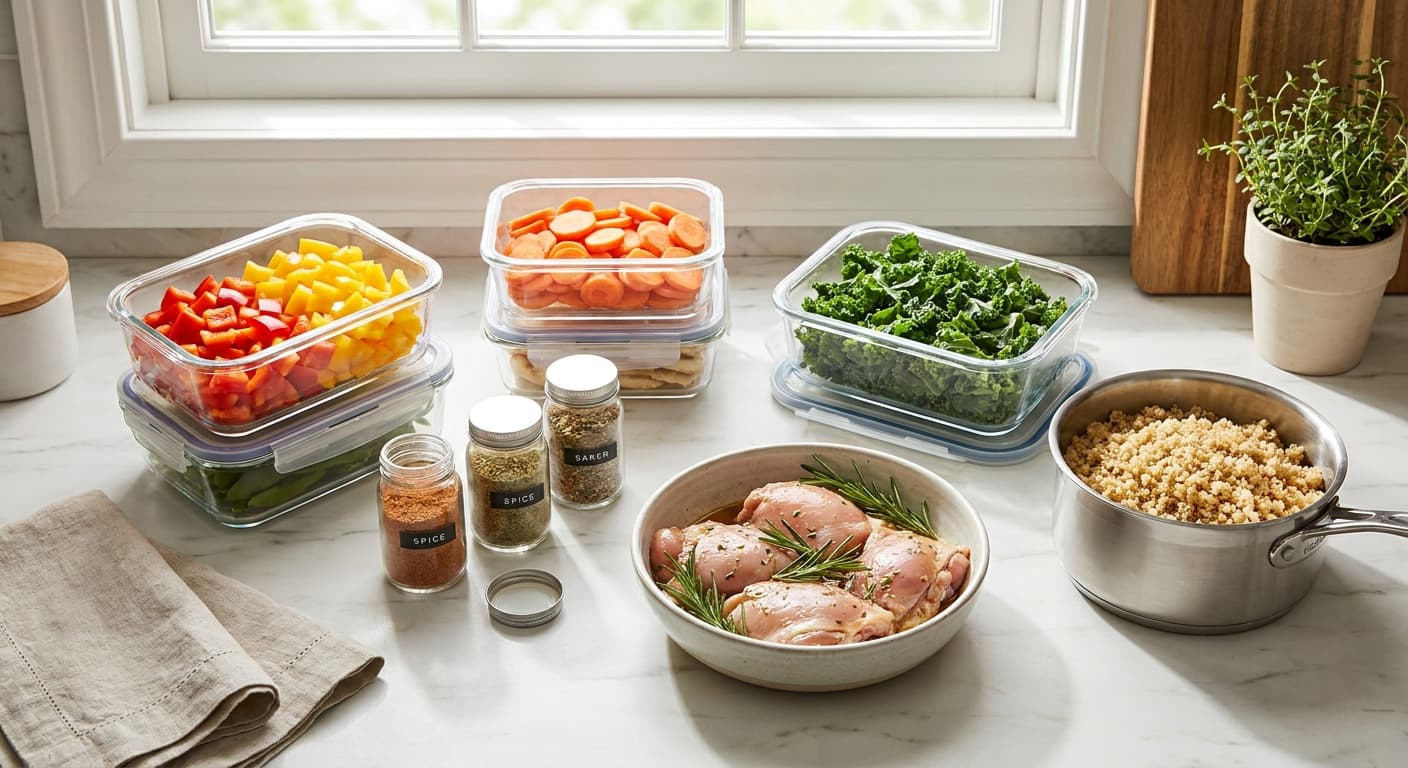
Sunday Ingredient Prep: Your Secret Weapon for Stress-Free Weeknight Dinners
Skip full batch cooking—just chop, marinate, and portion on Sunday to slash weeknight dinner stress and decision fatigue.
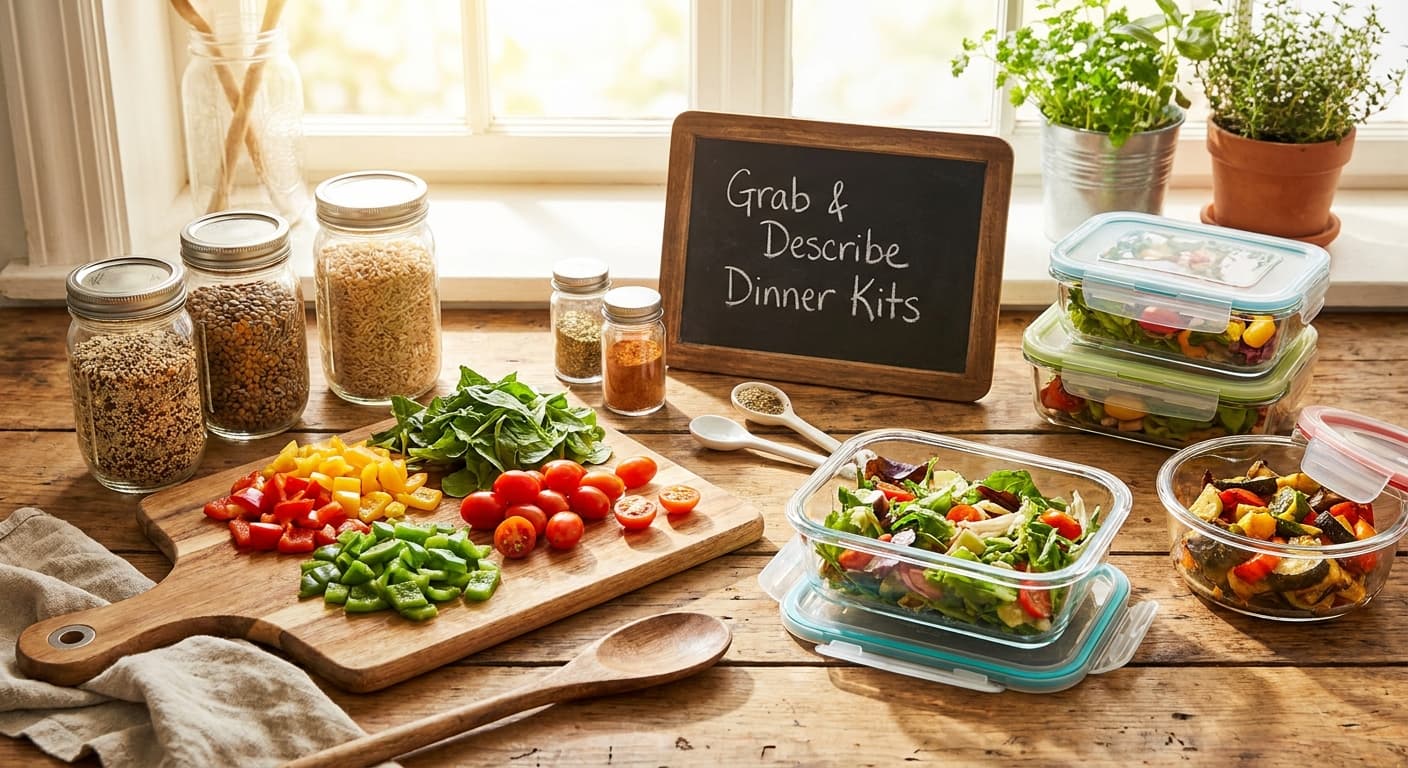
Stop Staring at the Fridge: A Grab-and-Describe Reset Ritual for Weeknight Dinners
A 15-minute weekly reset to map your fridge, freezer, and pantry into a grab-and-describe dinner protocol that ends weeknight decision fatigue.